Changelog
What's new in QM™
Ideas, strategies, and behind the Every update, improvement, and fix, tracked and documented so you always know what changed. lessons for modern founders.
2.3.0

March Updates Are Live!
The QuickManage™ team is excited to announce March updates! This release includes a mix of new features, UI enhancements, and important fixes across QM.
All updates designed to improve accuracy, visibility, and overall workflow efficiency.
New
QM-PILOT:
AI-powered Chatbot that can help you with TMS-related questions about trips, drivers, trucks, dispatchers, customers, KPIs, and system usageSmart updates:
Reply to existing threads.Emails from QM-PILOT can be sent to the existing threads, instead of opening a new one everytimeDocuments Auditing
: Let qm-PILOT scan the files of each load to detect mistakes or issues before they get to the accounting teamKPI Board:
Driver Performance:New columns: Driver Roles, Payment TypeDispatcher Performance & Period Comparison:
Dispatcher‑level performance tables with RPM, Margin, Gross Revenue, Empty/Loaded Miles, Earnings, etc. A Period Comparison view to compare dispatcher metrics between two time windows.Trips / Dispatch:
Bulk Driver Assignment:
Ability to bulk assign drivers to trips from the Import tab after uploading tripsChassis & Container Support in Loads and Trips:
For intermodal operations, you can now choose Chassis as an equipment type on loads/trips and have chassis/container details appear on invoices and downstream documents.Update Board:
Stopped/Moving & ETA Status Filters.
Dispatchers can now quickly filter the Update Board by:Vehicle status: show only Stopped or only Moving unitsETA state: show only Delayed or only On‑Time tripsPayroll:
Added “Move to Next Payroll Stops” option in the Credits & Trips tab, allowing users to select and move multiple stops to the next payroll cycle
Ability to change the payment type for multiple trips at once
Ability to exclude multiple trips at onceAccounting
Receivables: Default and Extended views with many more columns and per‑column filters. “Show by Ages” and age‑range filtering so you can see just the invoices that are overdue within a chosen bracket.
Added a “Created By” filter in Prepayments Page to improve record filtering and tracking
Contractor Statements Grouped by Truck. Contractor settlements now support grouping deductions by truckMaintenance:
Added a Maintenance Tag filter for easier equipment trackingAdded a drop-down selection for Equipment Vendor to simplify vendor managementEmail / Communication:
Users can now add and reuse a personal email signature for recurring communicationSafety
Driver Email Update/Swap. If the new email already exists, you’ll be prompted to swap, if it’s new, the email is simply updatedEquipment
Truck Creation / Sync from ELD Providers. The Equipment → Trucks → Import workflow now supports synchronizing trucks directly from supported ELDs
Improved
Audit TrailTimestamps now include timezone and show duration between each workflow step
Fixed
DashboardWeekly ticket count no longer double-counts reopened tickets
2.4.0
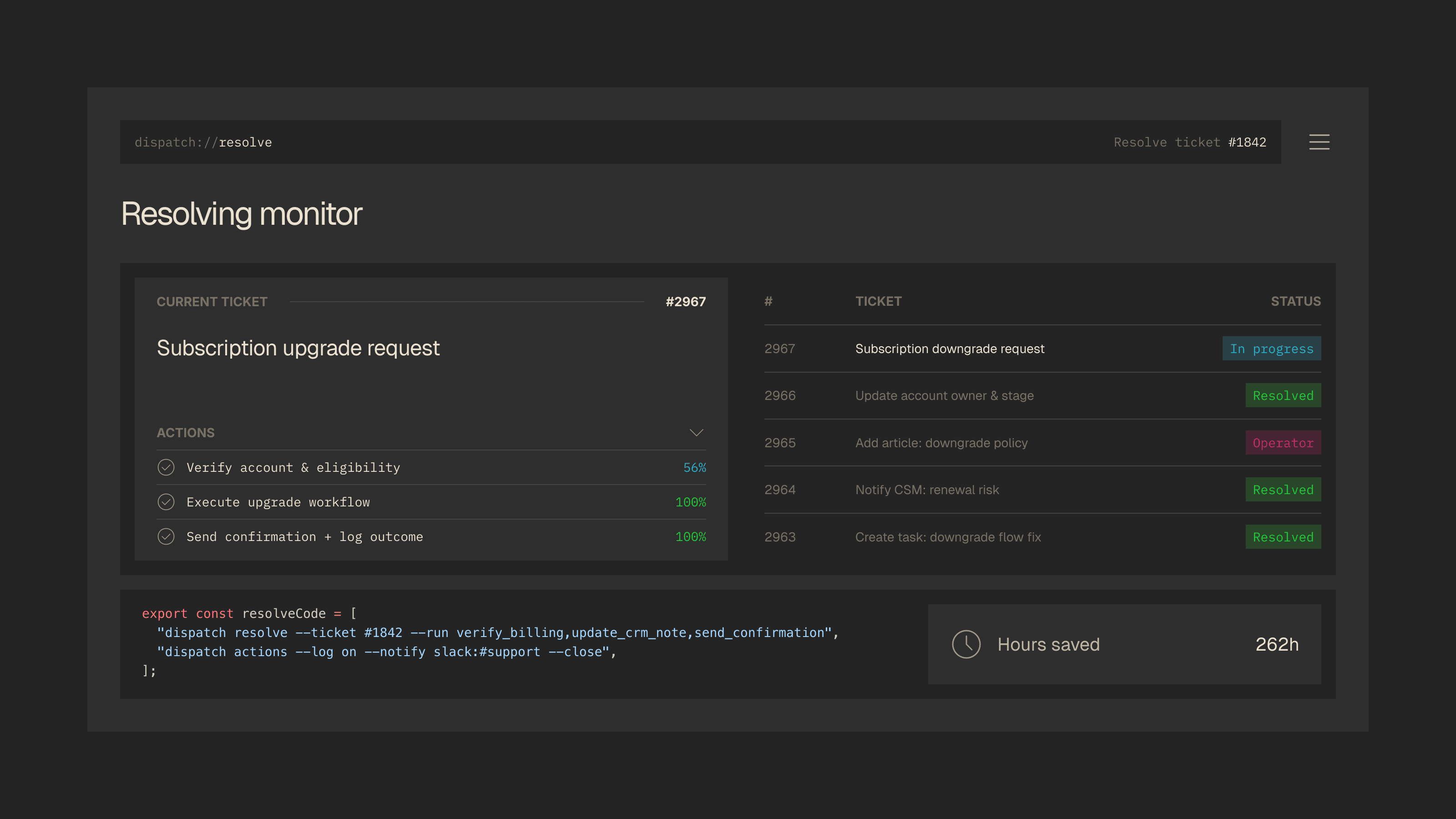
Approval Gate Policies
Automation is only as trustworthy as the guardrails around it. With this release, Dispatch introduces a fully configurable policy engine that lets you define exactly which automated actions can execute on their own and which require human sign-off before going through. Rules can be scoped by action type, monetary threshold, customer tier, account age, or any custom CRM field you track.
Approvers get a dedicated inbox with the full ticket context, customer profile, and proposed action attached. No need to open the original ticket separately. Accept, reject, or modify with a single click. We also added a set of starter templates for the most common approval scenarios so you can get up and running without building rules from scratch.
New
Approval PoliciesConfigurable rules engine for gating automated actions by type, value, and customer segmentApproval InboxDedicated queue for pending approvals with full ticket context and one-click accept or rejectPolicy TemplatesPre-built starter policies for refunds, account changes, and escalations
Improved
Action LayerActions now display which policy triggered an approval hold in the audit trailNotificationsApproval requests route to the correct approver based on team hierarchy
2.2.0
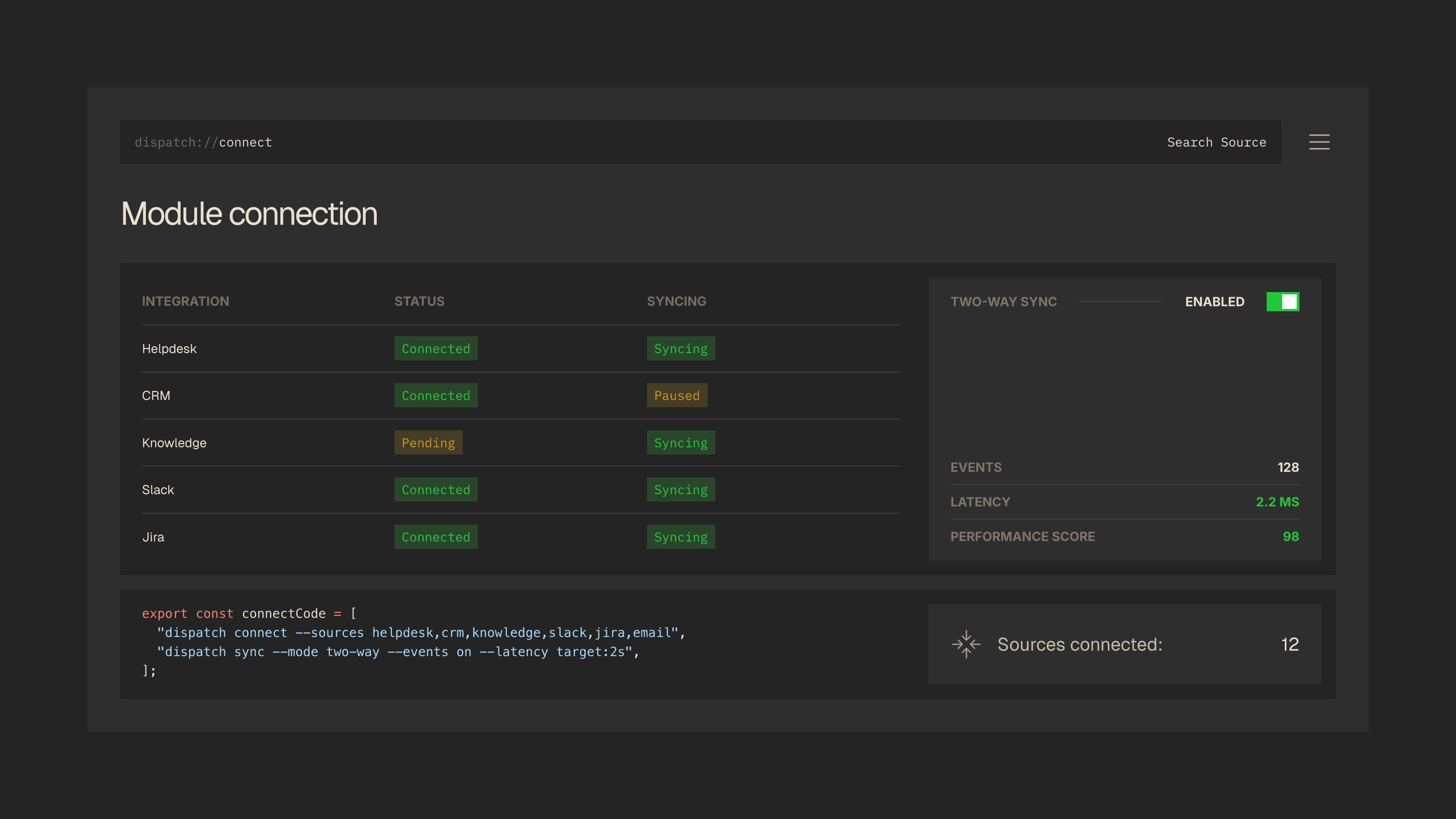
Salesforce and HubSpot Integrations
Your CRM is the single source of truth for who your customers are, what they have bought, and where they sit in the lifecycle. Dispatch can now connect directly to Salesforce and HubSpot with full bidirectional sync. That means customer records, deal stages, account health signals, and custom properties are all available to the Context Layer the moment a ticket arrives.
Setting up the connection takes minutes. A visual field mapper lets you align CRM fields to Dispatch context variables without writing any code. Once connected, the integration runs health checks every five minutes with automatic retry on failure, so you are never flying blind on whether your data is current. We also reworked how the Context Layer assembles customer profiles. Data is now fetched in parallel across connected sources, cutting profile assembly time by roughly 40%.
New
SalesforceBidirectional sync for contacts, accounts, cases, and custom objectsHubSpotPull contact properties, deal pipelines, and ticket history into the Context LayerField MappingVisual mapper for aligning CRM fields to Dispatch context variables
Improved
Connect LayerIntegration health checks now run every 5 minutes with automatic retry on failureContext LayerCustomer profile assembly is 40% faster with parallel data fetching
QUICKDEMO
Ready to Scale Smarter?
Schedule a QUICKDEMO with our team and discover how QuickManage helps carriers eliminate chaos, improve visibility, and scale with confidence.